
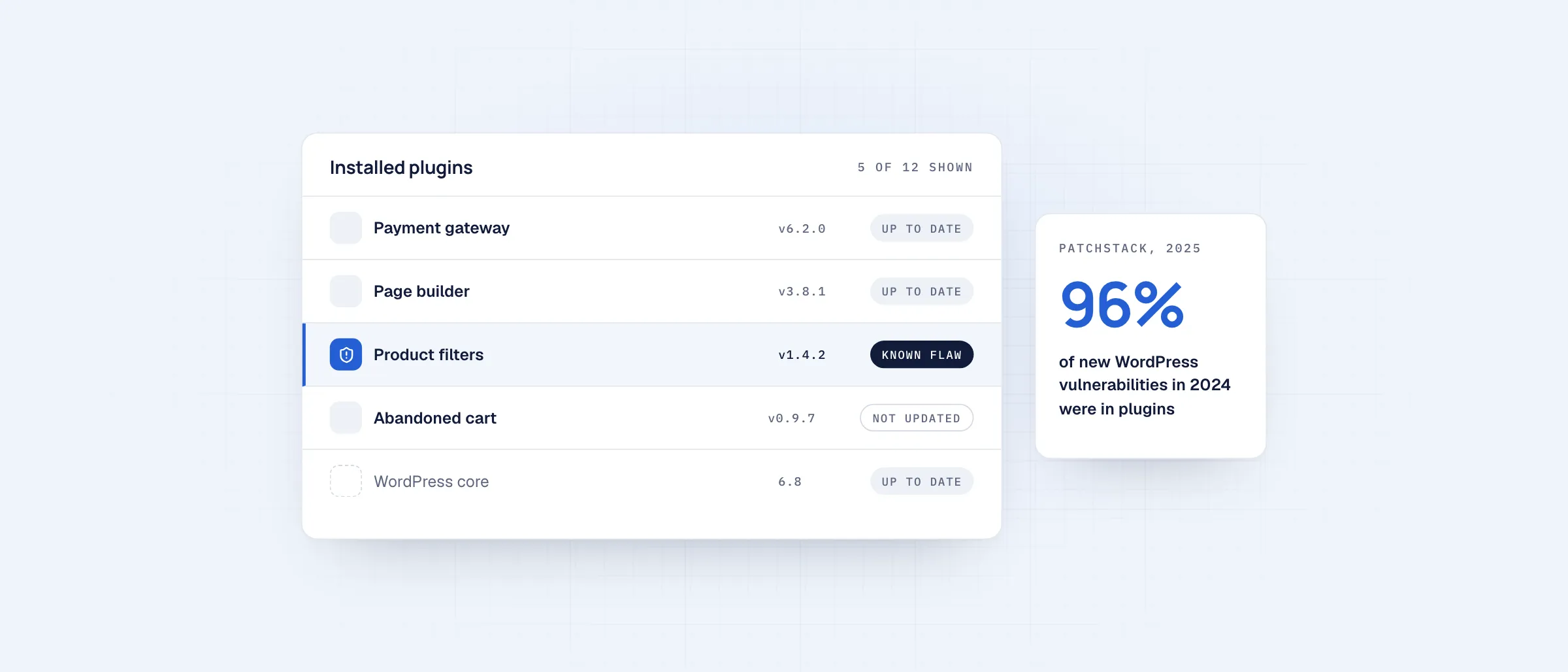
Patchstack’s State of WordPress Security in 2025 report recorded 7,966 new vulnerabilities in the WordPress ecosystem during 2024. 96% of them were in plugins. WordPress core accounted for very few.
For a store, this matters more than for a blog. A WooCommerce site holds customer accounts, addresses and order history, and often runs 30 or more plugins for payments, shipping, marketing and reviews.
01Why stores end up exposed
- Every plugin adds code that runs on your public site
- Abandoned plugins stop receiving security fixes
- Updates get delayed because they might break checkout
- Plugins that are installed but unused still add risk
02Practical steps for any store
- Remove plugins you no longer use, including deactivated ones
- Update on a fixed schedule and test on a staging copy first
- Limit admin accounts and turn on two-factor authentication
- Monitor your plugins against a vulnerability database
- Keep daily off-site backups and test restoring them
03How headless reduces exposure
In a headless setup, the public storefront is separate code with no WordPress plugins running in it. Shoppers never load WordPress pages, so plugin code is not reachable from the storefront, and access to the WordPress admin can be restricted.
This reduces the attack surface. It doesn’t remove the need to keep backend plugins updated, which is why we run headless storefronts as a managed service rather than a one-off build.
A free audit reviews your plugins, versions, and setup for known risks.